

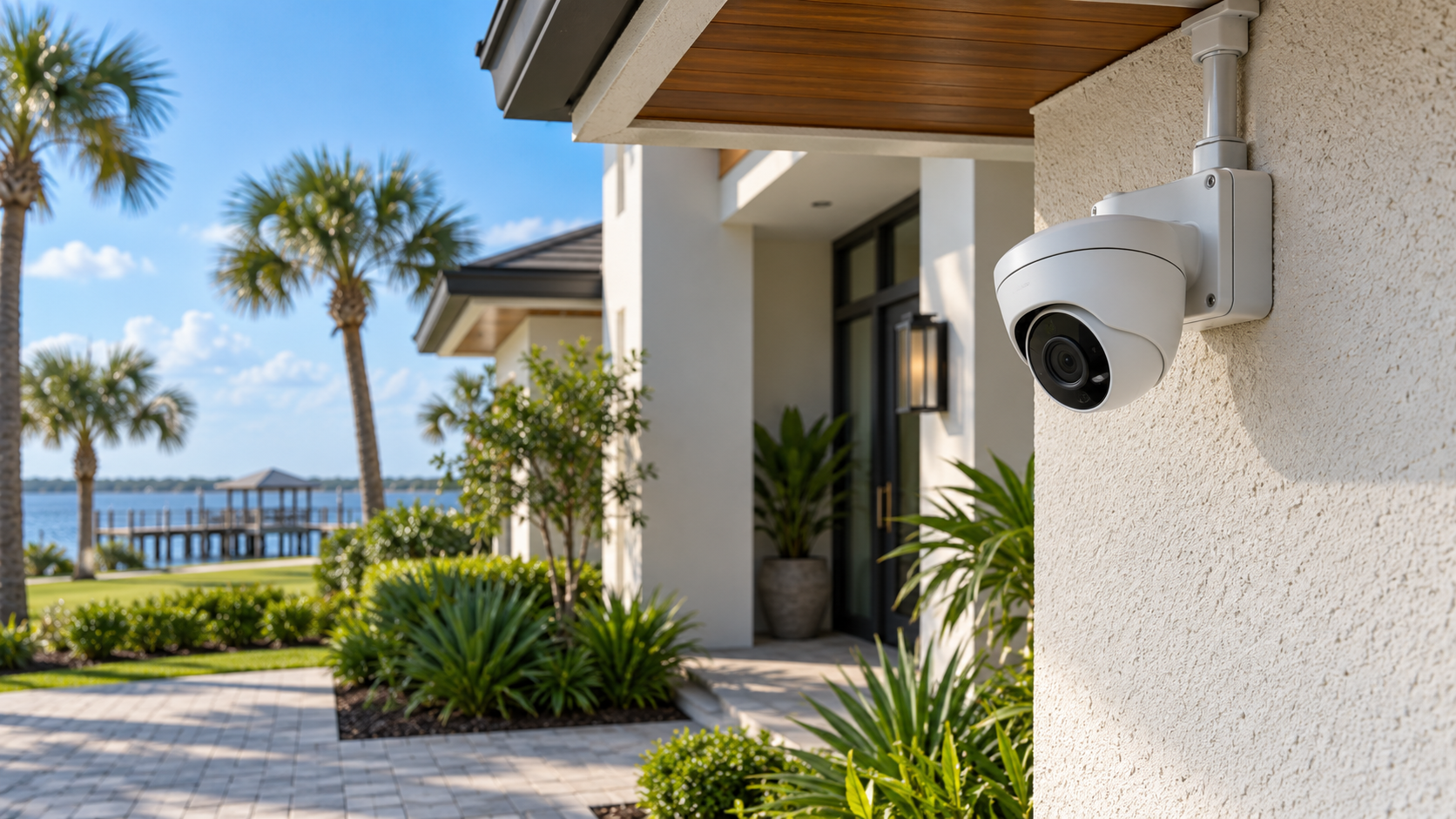
A camera system is useful only when it captures the activity you need and lets you retrieve the recording afterward. For a Jacksonville home or business, choosing between wired and wireless cameras means thinking about coverage, power, recording and the network together—not simply choosing the highest resolution on a box.
For permanent, multi-camera installations, a properly designed hardwired PoE system is often a practical foundation. Wi-Fi cameras can still fit specific locations and smaller projects. Understanding what each approach depends on helps you choose a system around the property rather than around a product advertisement.
What “wired” and “wireless” actually mean
A PoE network camera sends digital video over Ethernet cabling. Power over Ethernet supplies compatible cameras with power through that same cable, usually from a PoE switch or a recorder with built-in PoE ports. The camera connects to a local network, and a network video recorder, or NVR, stores the video.
This differs from older analog systems that commonly use coaxial cabling and a DVR. Existing coax infrastructure may still be useful in a retrofit, but an analog camera and a PoE network camera are different technologies. An installer should evaluate what can be retained rather than assume every existing cable or camera must be replaced.
A Wi-Fi camera sends video wirelessly to a network access point. “Wireless” describes the data connection; it does not necessarily mean the camera is battery powered. Some Wi-Fi cameras require an outlet or other wired power supply. Battery-operated models introduce charging, battery replacement and recording-behavior considerations.
Reliability starts with the whole connection
A hardwired camera avoids depending on a Wi-Fi signal for its video connection. That can be valuable at distant exterior walls, around dense building materials, or in busy commercial environments. Ethernet cabling also makes it easier to plan predictable connections for several cameras recording at once.
Wired systems still require sound installation. Damaged cable, poor terminations, unsuitable equipment or a failed switch can interrupt recording. Good workmanship includes testing the cable, protecting connections, configuring equipment and checking actual recordings—not just seeing a live picture once.
Wi-Fi cameras depend on signal quality where they are mounted. A strong signal inside the living room does not prove that a camera outside a masonry wall will have a dependable connection. Interference, distance and competing wireless traffic can affect performance. Evaluate the intended mounting location and available network capacity before committing to wireless cameras.
Local NVR recording versus cloud storage
With a local NVR, recordings reside on a storage device at the property. Depending on the system, cameras can record continuously, by events, or on a schedule. The useful retention period depends on storage capacity, camera count, image settings and recording behavior. Ask how those choices affect your ability to look back at an incident.
Cloud-based systems store recordings through an online service. They can offer convenient access, but features, retention and subscription requirements vary. Check whether the system records locally as well, what an internet interruption changes, and whether a subscription is required for the functions you actually need.
Wired versus wireless and local versus cloud are separate decisions. Some Wi-Fi cameras offer local storage, and some wired systems support cloud services. Compare the specific recording architecture, not just the connection type.
What happens when internet or power goes out?
An internet outage and an electrical outage affect different parts of a system. A properly configured PoE camera system can continue recording locally during an internet outage when the cameras, recorder and necessary local network equipment remain powered and connected. Remote viewing, online alerts and cloud-dependent features may be unavailable until connectivity returns.
A power outage can stop the recorder and PoE equipment even though the internet service itself is working. A suitable UPS can provide temporary battery power to selected equipment, but runtime depends on the connected load and battery capacity. It is not an unlimited backup or a promise of operation through an extended storm.
Battery cameras may remain powered during an outage while their Wi-Fi access point or internet equipment shuts down. Whether footage is captured and retained then depends on that camera's design. Ask the installer to explain the outage behavior of the complete proposed system.
Placement matters more than a camera count
Start with what you need to see: an approaching person, activity at a doorway, a driveway, a loading area or access to an outbuilding. A wide overview and a useful view of faces are not always supplied by the same camera position. Mounting too high can produce an attractive overview while giving a poor view of the detail you care about.
Consider lighting, glare, obstacles and changing conditions. A camera looking directly toward bright sunlight or a reflective nearby surface may perform differently from the daytime demonstration you expected. Review coverage after installation and check both daytime and nighttime recordings where practical.
Position cameras around the property's legitimate needs while respecting neighboring spaces and private areas. A thoughtful design concentrates coverage where it is useful instead of adding cameras indiscriminately.
Cabling and Florida outdoor conditions
Hardwired installation requires a route from each camera to the network or recorder. Attics, crawlspaces and existing pathways may help, while difficult architecture can require alternative mounting and protected exterior routing. The goal is dependable infrastructure with a finished appearance appropriate to the building.
Outdoor equipment and connections need protection suited to their exposure. Florida heat, humidity, heavy rain and coastal conditions make manufacturer-rated equipment, compatible mounting hardware, weatherproof junctions and appropriate cable protection important. A camera described as outdoor rated does not make an exposed plug or unsuitable cable weatherproof.
Discuss how penetrations will be sealed, how exposed cabling will be protected and how future servicing will work. Surge protection and grounding should be considered as part of the system design; no camera installation should be presented as immune to lightning damage.
Homes and businesses have different priorities
A homeowner may prioritize entrances, driveway activity, exterior coverage and straightforward playback. A business may need views of customer areas, deliveries, production spaces or access points, with clear rules about who can view or export recordings.
Commercial planning should also consider operating hours, storage needs, equipment location and how camera traffic fits the business network. Supported video analytics can help surface useful events, but their capabilities and limitations need to be explained. A camera system does not automatically become an alarm-monitoring service.
Bold City's commercial security and video services and residential and commercial camera installations begin with the property and the required coverage.
When wireless cameras make sense
Wireless may be appropriate for a limited installation, a location where a new cable route is impractical, or a temporary need. It can also suit a property with dependable wireless coverage and expectations that match the camera's recording and power behavior.
The tradeoff should be deliberate. Confirm signal quality, power access, recording requirements and maintenance before choosing the camera. Where Wi-Fi itself needs improvement, address the network and access-point design rather than expecting a new camera to overcome weak coverage.
Plan for expansion and a useful handoff
Leave room for future camera locations when selecting recorder capacity, PoE power and storage. Spare cabling or planned pathways can reduce disruption later, especially during renovation or new construction. Keep an understandable record of camera locations and equipment connections.
Before approving a proposal, ask:
What will each camera show, and what detail can I reasonably expect?
Where will recordings be stored, and how long will they remain available?
Which functions continue during an internet outage or a power outage?
How will cables, outdoor connections and mounting points be protected?
What recurring costs or account requirements apply?
How will I review, export and manage access to recordings?
A finished project should include system testing and a practical walkthrough. If you are planning cameras for a home or business in Jacksonville or Northeast Florida, contact Bold City Smart Home to discuss coverage, infrastructure and a recording approach that fits your property.
