

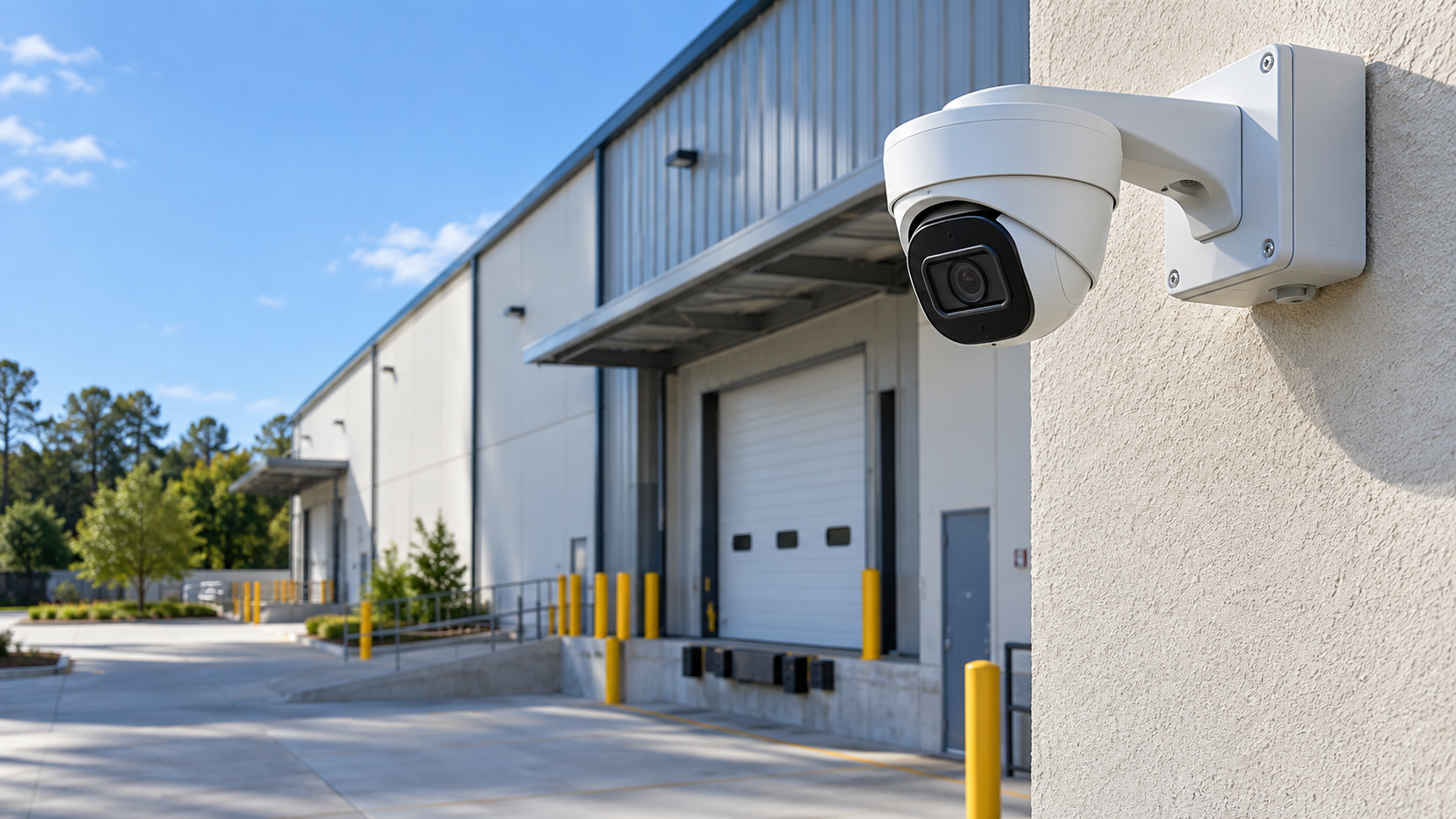
Illustrative warehouse setting.
A warehouse camera system should help answer practical questions: which door was used, what happened during a delivery, or when activity occurred in a particular area. A screen full of live views can look comprehensive while missing the detail needed to understand an incident.
Planning starts with those questions and the conditions inside the facility. Shelving, production equipment, open loading doors and changing light affect what cameras can see. The recording system and network must support the intended coverage, and someone needs a workable way to find and export footage. This guide covers that planning process rather than proposing one universal camera layout.
Give each camera a defined job
Walk the property with the people responsible for daily operations. Identify entrances, receiving areas, shipping docks, vehicle approaches, storage aisles and other locations where a clear record would be useful. Then describe what each view must show. “Watch the loading area” is less specific than seeing a delivery approach, the dock door and the movement through it.
An overview helps establish context. A closer view may be needed to see useful identifying detail at a controlled location. One very wide camera cannot be assumed to do both jobs. Lens choice, distance, mounting height and the subject's movement should be considered together; resolution by itself does not establish what will be recognizable.
Check sightlines with the facility in use
Empty aisles can hide problems that appear once shelves are stocked. Pallets, trailers and machinery may block a view. A camera above an aisle may show movement but provide a steep angle that is less useful for detail. Plan around normal storage arrangements and vehicle positions, with maintenance access in mind.
Ask what changes during a shift or over the year. Temporary staging areas, raised dock doors and movable equipment can alter coverage. Review the intended view from the actual mounting location when practical. A plan drawn only from floor dimensions should be checked against the building before equipment is ordered.
Treat lighting as part of the design
A loading door can place bright daylight behind a darker indoor scene. Exterior cameras may face headlights, deep shadows or reflections. Wide dynamic range and low-light features can help in suitable circumstances, but they do not remove the need to choose a sensible direction and evaluate the actual image.
Consider conditions when important activity occurs, including early starts and evening deliveries. Infrared illumination may interact with nearby surfaces, dust or reflective materials. Check playback under representative conditions after installation. The objective is useful recorded footage, not just an attractive daytime live view.
Plan camera connections and protected routes
Hardwired PoE network cameras carry data over Ethernet and receive power from compatible PoE equipment through that cable. They are different from older analog coaxial systems, which use another recording and connection architecture. Evaluate existing equipment and cable before deciding whether any of it can be retained.
Industrial spaces often require thoughtful routing around exposed structure and operating equipment. Cable support, protected connections, appropriate penetrations and accessible equipment locations belong in the scope. Longer distances or separate buildings may require a different transport approach, such as a designed fiber connection. Do not assume an ordinary copper run is suitable for every distance or exposure.
Make recording capacity match the purpose
An NVR stores video from compatible network cameras. Choose it around more than the number of channels printed on the box. Recording bandwidth, supported camera features, storage expansion and playback needs can all affect whether it suits the design. Compatibility should be verified before retaining older cameras or mixing equipment.
Retention depends on camera count, recording settings, scene activity and storage capacity. Adding cameras to an existing recorder can shorten the available history. Discuss how quickly incidents are normally discovered and how much footage needs to remain available. A specific number of retention days should follow the proposed settings and testing, rather than an unsupported promise based on hard-drive size.
Separate local recording from remote access
A properly configured local system can continue recording during an internet interruption if its cameras, recorder and necessary local network equipment remain powered and connected. Remote viewing and internet-dependent alerts may stop until connectivity returns. An electrical outage is a different issue and can stop the entire recording path.
Where temporary backup power is included, identify the equipment it supports and the expected limitations. A recorder on a UPS will not help if the cameras' PoE switch loses power. Internet failover may support remote access in a suitable design, but it does not replace power planning or local recording.
Keep access and review understandable
Decide who can watch live video, search recordings, export clips and change system settings. Use individual access where supported, sensible permissions and clear responsibility for account management. Camera names and accurate timestamps make it easier to find a sequence across several views.
Demonstrate playback and export during the walkthrough. Confirm what the business will do when a relevant incident is discovered and how authorized footage will be retained. Camera placement should respect private areas and the facility's legitimate operational needs. Video analytics should be described according to the supported functions and tested behavior, not as a guarantee that every event will be detected.
A retrofit can preserve useful infrastructure
In a completed commercial security-camera retrofit, Bold City integrated three existing cameras, added three cameras and installed a new 8-channel NVR with approximately 2TB of local storage. The work included field-of-view adjustments, recording and remote-viewing setup, testing and a customer walkthrough.
The retail/distribution facility demonstrates a principle that also applies to warehouses and manufacturing spaces: evaluate what works before replacing everything. Retaining compatible equipment can make room in the project budget for coverage and recording improvements.
What to ask before approving a design
Ask the installer to show the purpose of each view, explain any likely obstructions and describe day/night checks. Confirm recording settings, storage assumptions, remote-access dependencies and room for expansion. Make sure cable routes, mounting, protected connections and service access are included in the proposal.
Also ask what system documentation and training will be provided. A useful handoff should make it possible to retrieve footage and understand the system's limits without guessing. If your Jacksonville or Northeast Florida facility needs commercial security cameras and video systems, contact Bold City Smart Home to discuss the layout, infrastructure and recording requirements.
